
How to Choose Retractor Size (S/M/L): A Quick Chairside Guide
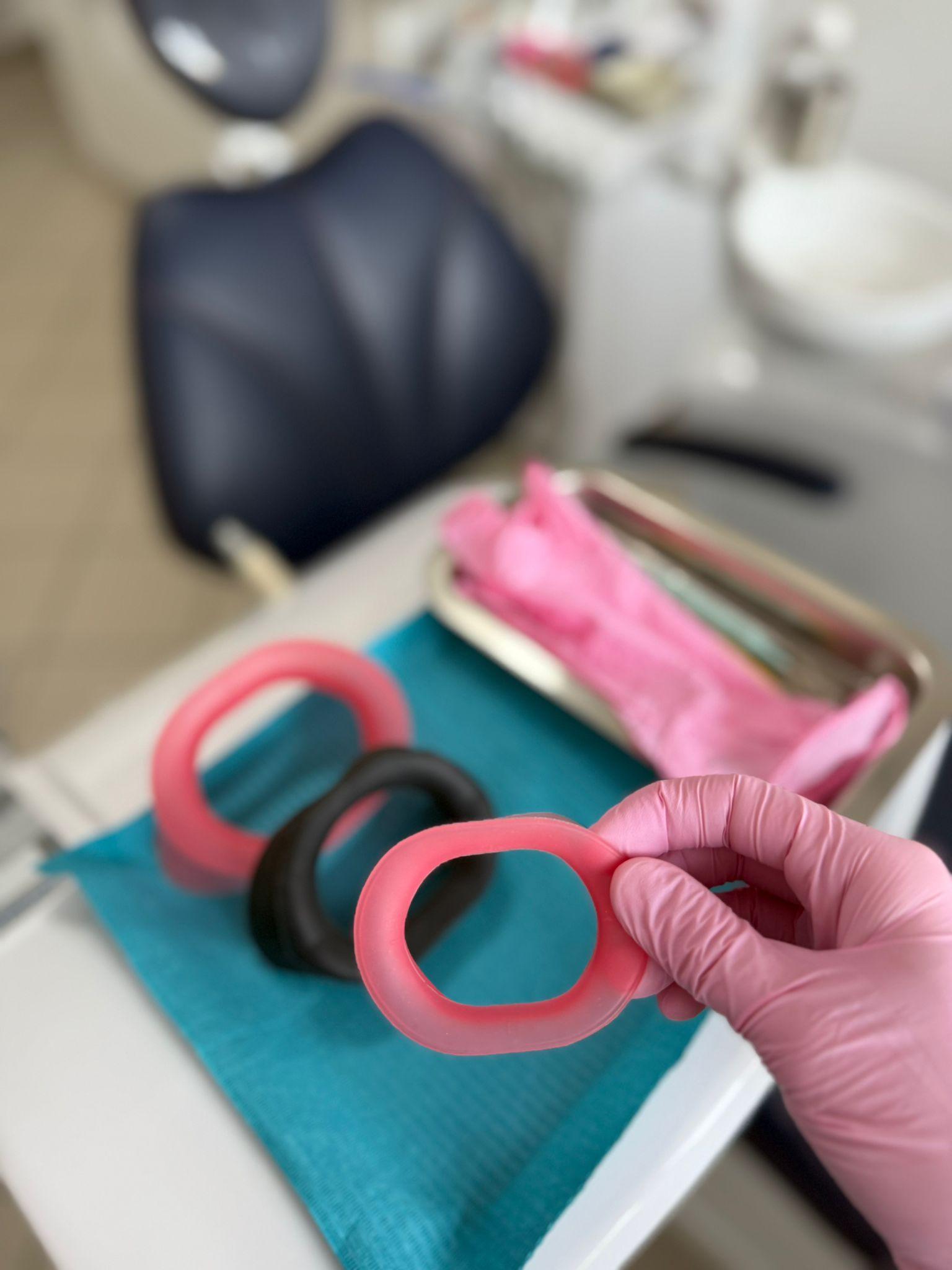
The right retractor size is the difference between a comfortable patient and one who fights you. VisionButler comes in three sizes – S, M and L. This quick guide helps you pick the right one right at the chair.
1 The three sizes at a glance
2 How to pick in 10 seconds chairside
3 Why keep all three in the practice
One size does not fit all. An S/M/L set means you never compromise on comfort or access. And because each VisionButler is designed for repeated reprocessing per the instructions for use, stocking all three sizes is still far cheaper than disposables – see the full math in our cost comparison.
4 Comfort tips
Conclusion
Sizing is simple: M for most, S for narrower mouths, L for maximum access. Keeping all three on hand is the surest path to patient comfort and a clean working field. For more on why reusable silicone beats disposables, read our complete guide. Order the S/M/L set and always have the right size ready.